There are two ways students end up in a class.
Share a join link
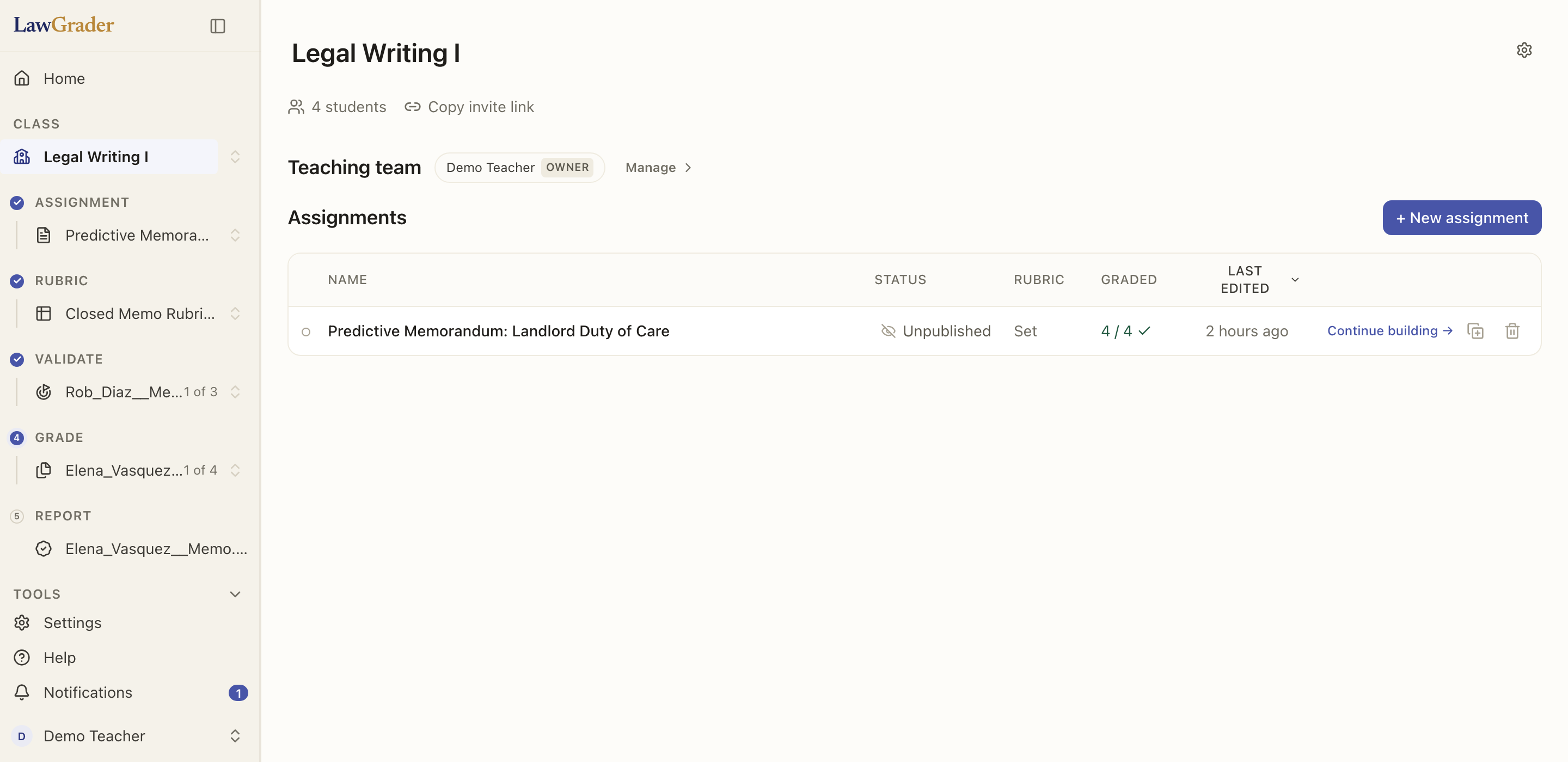
Every class has a join code. From the class page or the left rail, copy the invite link and share it however you like (email, your LMS announcement, a slide). Students who open it join the class and can submit work.
Bring them in from your LMS
If your class is connected to Canvas, Moodle, Blackboard, or Brightspace, students who already submitted there come in automatically when you import submissions. You do not need to invite them separately. See Connecting your LMS.
A note on privacy
Students only ever see their own work and their own feedback. Grades stay hidden until you choose to release them.